

What is Newly AI?
Newly AI is an AI mobile app builder at newly.app. You describe a product in conversation, then refine a React Native and Expo application through the agent. It is aimed at people who want a mobile application rather than just a website. AINavly examines the full decision: what the builder helps create, how the project handles data, what you can take with you, and which responsibilities remain before a release.
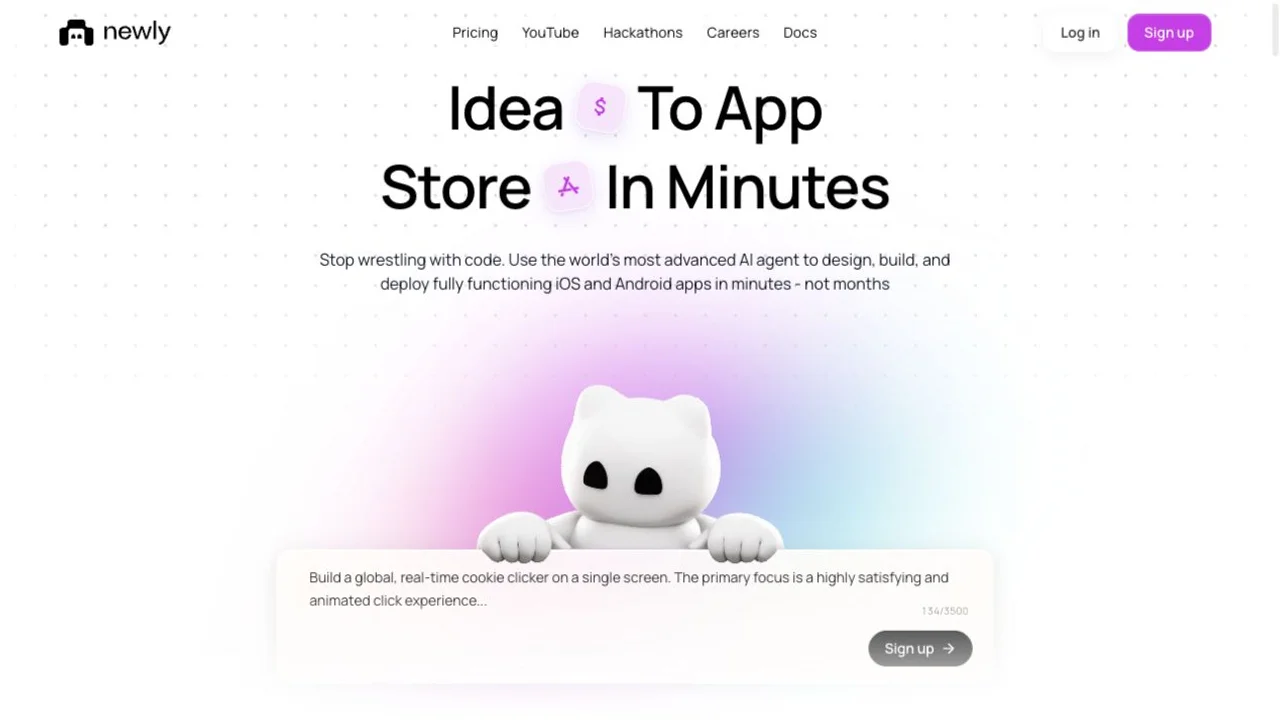
Core features
- Prompt-led mobile app creation for iOS and Android
- Native cloud simulator previews beside the conversation
- Local-first data with Newly Backend when shared accounts or data are needed
- Source downloads for inspection and backup
- Documented iOS TestFlight and Android build paths
Native mobile apps versus a web prototype
A mobile project introduces decisions that a browser demo can hide: touch interaction, device behavior and the path to installation. Newly uses React Native and Expo. Its preview documentation describes a native development build streamed from a cloud simulator, rather than requiring Expo Go or a phone on the same network. Use that preview to inspect a flow, then plan real-device testing before release.
How does Newly handle app data?
The v2 backend guide says new apps start with data on the device. Accounts, shared records or synchronization can lead the agent to add Newly Backend, with sign-in, API code, Postgres and file storage. Development and production are separate environments; moving the backend to production is a distinct owner or project-admin step. The documentation currently excludes external backend providers such as Supabase or Firebase from the v2 connection workflow.
Newly AI pricing: read the v2 billing rules
The v2 billing documentation lists paid monthly plans starting at US$25 for 100 credits, with a 20% annual billing discount. It says new accounts start with zero credits and there is no free plan. Monthly plan credits expire rather than roll over. The public homepage presents a different Agent promotion, so use the version-specific documentation and confirm the final allowance in account Billing before purchase. Apex remains marked Coming Soon on the homepage.
Read the official documentation ↗
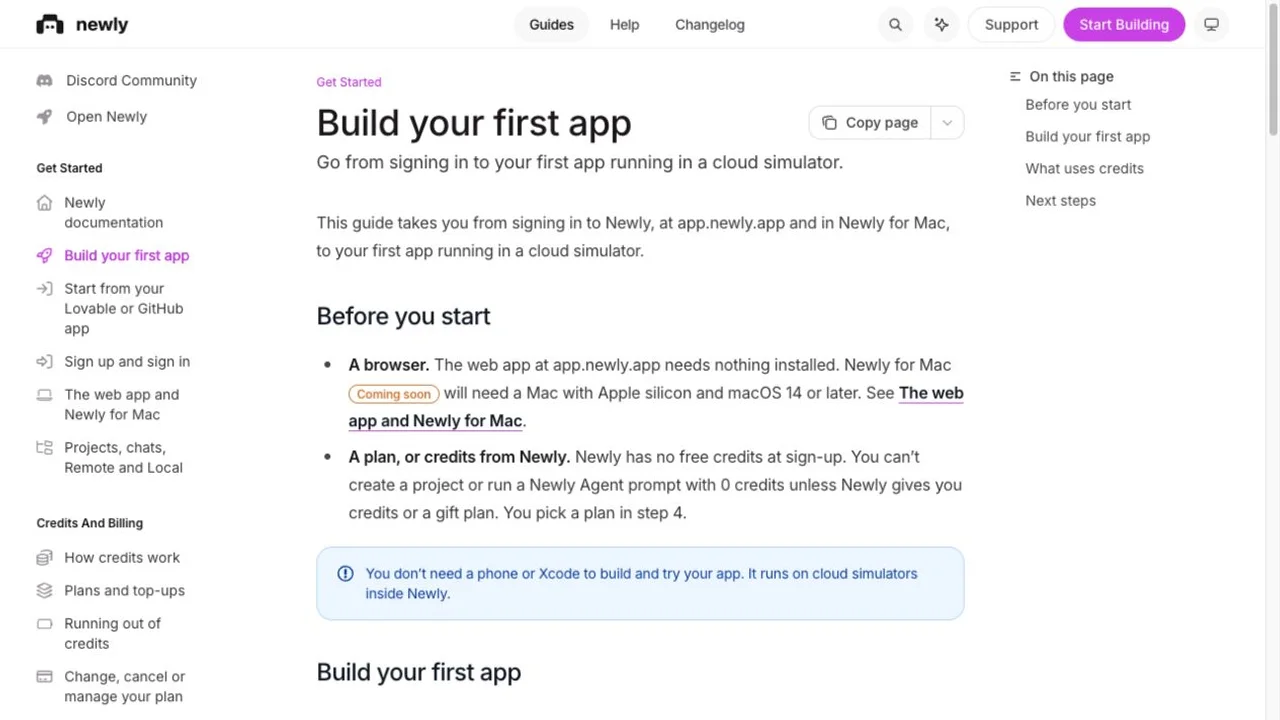
Source export and GitHub are different capabilities
The source guide documents a Settings ZIP from the released main branch and a CLI download whose default is the development branch. A downloaded project is useful for backup and code review. However, the same v2 guide says there is no automatic GitHub synchronization and no upload of externally edited app code back into a cloud project. Decide whether that workflow fits your maintenance plan before treating export as two-way repository editing.
From preview to TestFlight and store submission
The documented iOS path uploads a saved cloud project to TestFlight. It requires Apple Developer Program membership and an organization owner or admin to authorize publishing. TestFlight delivery and public App Store release are different stages. Android has its own build and distribution path. Review the official store release guide for the target platform; generating an app or a build does not guarantee store approval.
Which costs should a founder budget for?
Credit consumption follows agent work, so a short request is not a fixed-price feature. Keep a record of the balance and changes needed for an actual task. The documentation distinguishes agent turns from simulator viewing and the cloud upload itself. Also account for your required developer membership and any external services used by the finished product. Estimate the whole release workflow, rather than multiplying a subscription price by an assumed number of apps.
Practical use cases
- A founder exploring a focused native mobile product before expanding its scope.
- A small team comparing prompt-based app generation with a conventional mobile build process.
- A project owner evaluating source portability and release responsibilities before committing.
How to get started with Newly AI
- Define the intended user, one main screen and a single successful outcome.
- Read current v2 plans and confirm a credit budget in Billing.
- Describe the app and inspect the first generated project.
- Try the main flow in the cloud preview and request one change at a time.
- Check persistence, source export and the backend environments your project needs.
- Test on a real device and follow the relevant signing, testing and store release instructions.
Who it suits
Founders, product owners and small teams evaluating AI-assisted native mobile development with a defined app concept.
Before you commit
Choose a version-specific workflow. A preview, exported source, a signed build and a public store release are separate milestones.
Newly AI FAQ
What is Newly AI?
Newly AI is a prompt-based builder for native iOS and Android applications using React Native and Expo.
Is Newly AI free?
The v2 billing guide says there is no free plan and new accounts start with zero credits. Check current account Billing for paid plans or any credits granted by Newly.
Can I download my Newly source code?
The v2 guide documents ZIP and CLI downloads. It also states that cloud projects do not provide automatic GitHub sync or accept app-code uploads from a local editor.
Does Newly publish directly to the App Store?
The documented iOS flow sends a build to TestFlight with the required Apple membership and organization permissions. Public release requires the subsequent App Store process.
Does every app need a backend?
No. The v2 guide starts apps with device-local data and adds Newly Backend when requirements such as shared data or accounts need it.
Was a mobile app built for this introduction?
No. AINavly reviewed public product pages and official documentation. The screenshots show those sources, not a generated app or a store submission.
Related tools by task
Compare Lovable for a web-app starting point or Agent-Native for an application framework. Choose by the product you need to build; these are independent editorial links, not claims of equivalent mobile deployment support.
Sources and review scope
- Official Newly AI website ↗
- Build your first app ↗
- Plans and top-ups ↗
- How credits work ↗
- Native previews ↗
- Backend and data ↗
- Source export ↗
- TestFlight publishing ↗
- Store release guide ↗
- Toolify reference listing ↗
Reviewed October 20, 2026 using the public website and official documentation. Toolify informed the introduction structure. We did not create an account, generate an app or submit a store build. Screenshots record the public sources; the icon is Newly’s original favicon.