

What is Agent-Native?
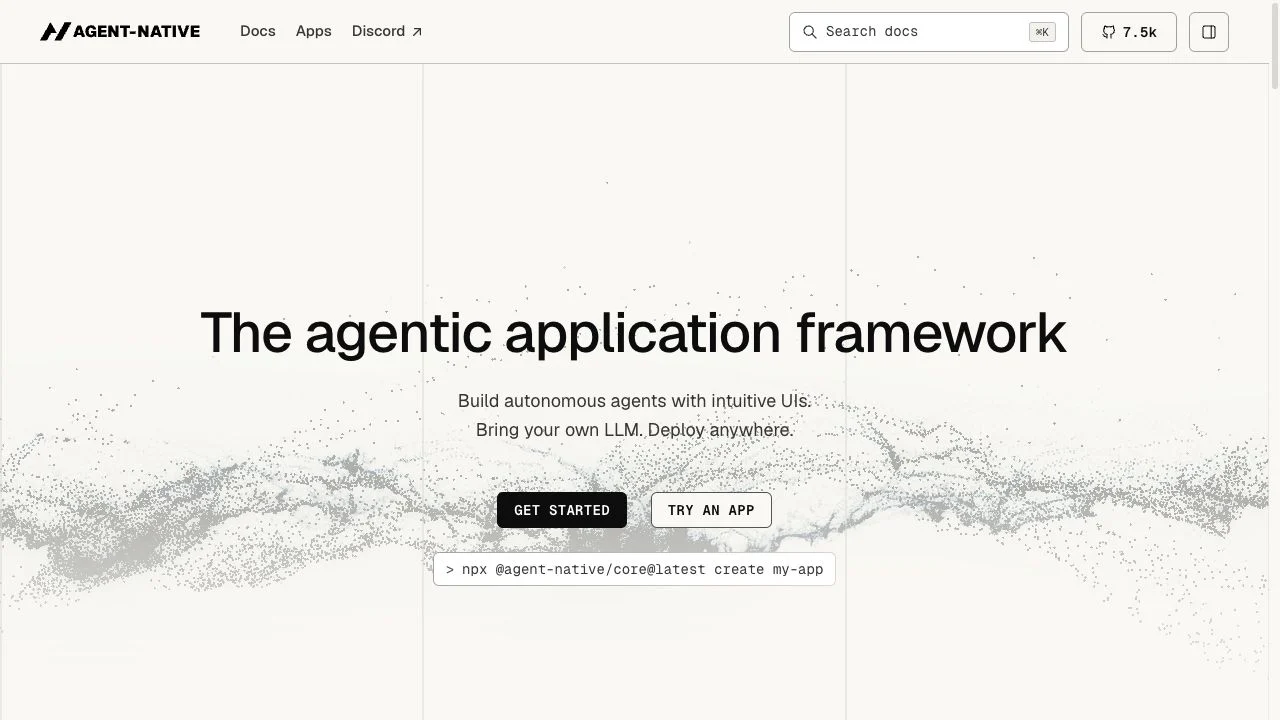
Agent-Native is an open-source TypeScript framework for building applications in which an AI agent and a person can work through the same capabilities. It combines a React interface, agent chat, application context and persistent data around typed actions. For teams comparing AI development tools, the important question is whether they need a product users can inspect and operate alongside an agent, rather than a separate chat window attached to existing screens.
Core features
- Reusable typed actions for agents and application interfaces
- React UI with embedded agent chat and shared application context
- PostgreSQL-backed application data and synchronization
- Documented authentication, organizations and resource permissions
- Skills, memory, automations and agent-team capabilities
- Source code and deployment documentation for self-managed applications
What makes an application agent-native?
The framework treats an agent operation as part of the application, not a second implementation of its business logic. Its documented pattern defines a capability with defineAction(), including validated inputs and a handler. A UI control and the agent can then invoke that capability. CLI and integration surfaces provide additional access paths, with HTTP, MCP and A2A behavior depending on the relevant configuration. This can reduce duplicate operation code while leaving product design and permission decisions with the developer.
How do users and agents share context?
A chat message alone may not identify the record or screen a person is working on. Agent-Native documents application-state context as part of its architecture, alongside shared PostgreSQL data. The UI and agent use the same data model, with synchronization to reflect changes. This is useful when a person needs to inspect, revise or approve an agent’s work inside an actual application rather than only reading a generated response.
What can you build with it?
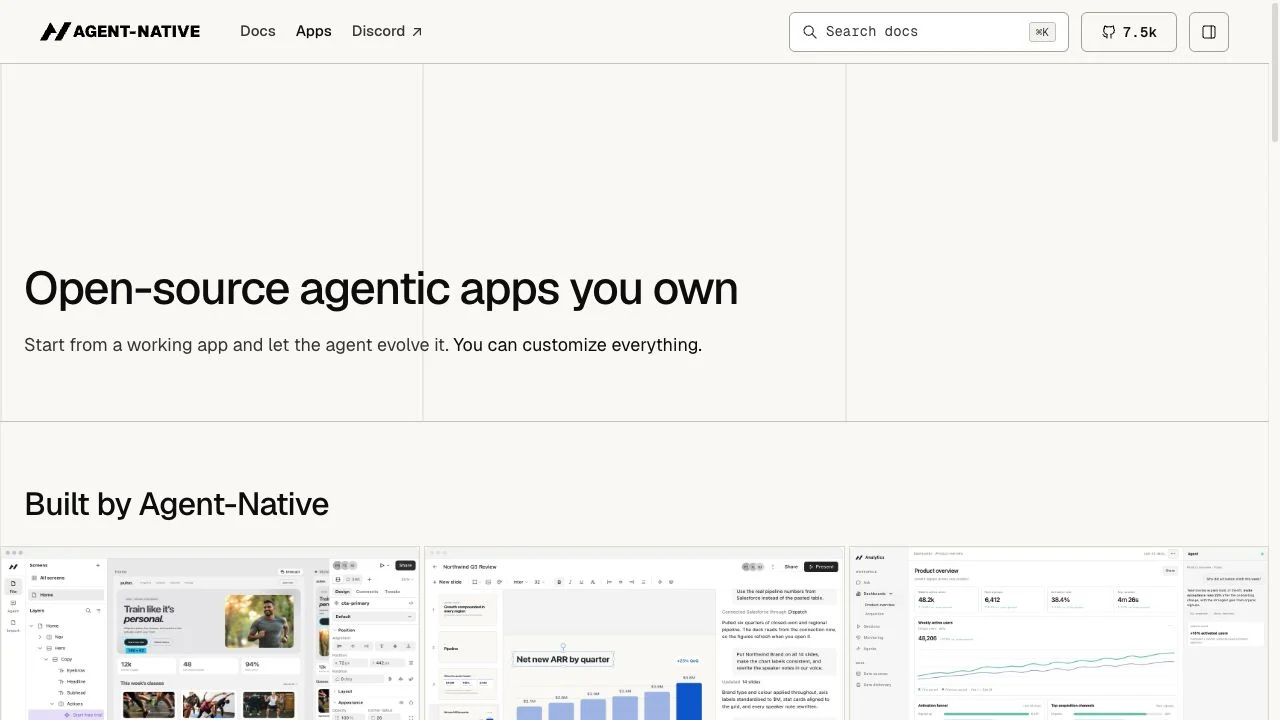
The official catalog provides first-party apps for areas such as analytics, slides, design, mail and calendar work. These illustrate different human review surfaces: a chart can be inspected, a slide can be edited and a proposed event can be reviewed. The catalog marked the displayed apps alpha when checked. Treat them as starting points to examine, not evidence that every connector, output or workflow has been tested by AINavly.
How do you get started?
The getting-started guide introduces a Chat template with an included hello action. It is a useful first example because the same small operation can be exercised through the agent and UI before adding real application behavior. The documentation checked on October 20, 2026 calls for Node.js 22.22 or later and pnpm. A model connection is required to run agent work; choosing a provider and reviewing its costs remain separate from generating the project.
Can it be deployed outside one hosted platform?
The deployment guide documents Nitro-based applications across Node.js, serverless and other supported hosting targets. Deployment still requires a persistent PostgreSQL database. Local PGlite is a development option, not a substitute for persistent shared production storage. Choose a hosting guide for the actual target and account for model access, data persistence and the application’s operational needs rather than reading deployment flexibility as zero setup.
Is Agent-Native free?
The BuilderIO/agent-native repository is MIT licensed. That describes the application framework’s source license, not a promise that running an agent app costs nothing. Model usage, hosting, database services and connected providers may have separate charges. We have not verified a single all-inclusive hosted price. Use the framework’s current documentation and each selected provider’s terms to estimate the cost of your application.
Who should consider another starting point?
A developer who only needs a coding assistant inside an existing repository may be looking for an editor workflow rather than an application framework. A team that already has an agent backend should assess what adopting the shared action and state model would require. Agent-Native is most relevant when the human interface, agent operations and application data need to be designed together; it does not remove the need to define the actual product behavior.
Use cases to consider
- An internal analytics app where people inspect charts produced from agent-assisted queries.
- A document or slide workspace where a draft remains editable through a visual interface.
- A scheduling or inbox application with a reviewable interface around proposed changes.
- A custom business app where users and agents invoke the same domain operations.
How to start evaluating Agent-Native
The official guide offers a Chat starter:
npx --yes @agent-native/core@latest create my-app --standalone --template chatReview the current setup guide for prerequisites and the remaining installation steps. The command is shown for reference; we did not execute it for this article.
- Choose one user-visible task and identify what a person must review.
- Read the getting-started guide and its current runtime prerequisites.
- Start with the documented Chat template and inspect its hello action.
- Define one bounded application action with a schema and a visible UI result.
- Select a model provider and persistent deployment database for the intended environment.
- Verify behavior, access rules and visible results before expanding the application.
Who it suits
TypeScript and React developers, product teams and technical founders evaluating an application architecture for shared human and agent work.
Before adopting it
Review the chosen template, production data setup and provider requirements. The displayed first-party apps were alpha; this is a source-based introduction, not a production benchmark.
Agent-Native FAQ
What is Agent-Native?
It is an open-source TypeScript framework for applications that pair AI agents with human-facing interfaces, typed actions and shared application data.
Is Agent-Native a model provider?
No. The framework lets you connect a model provider or supported local setup. Providing a model and operating the application are separate choices.
What does defineAction() do?
It defines a described operation with input validation and a handler that the application and agent can call. Additional transport surfaces depend on configuration.
Can I use any database?
The current documentation specifies PostgreSQL. Local PGlite is available for development, while deployed and shared environments need persistent PostgreSQL storage.
Does the MIT license cover all operating costs?
No. It is a source-code license. Model usage, hosting, databases and integrations can incur separate costs.
Did AINavly run an application built with this framework?
This introduction is based on the official overview, app catalog, documentation and repository. We did not install a starter, connect a model, deploy an app or benchmark an integration.
Compare the development task
For repository editing, read the Cursor introduction. For an AI-assisted app-building entry point, explore Lovable. These AINavly links help distinguish an editor, a builder and an application framework; they are not claims of identical architecture or an official integration.
Sources and review scope
- Official overview ↗
- Getting started ↗
- Defining actions ↗
- Shared database model ↗
- Deployment requirements ↗
- Source repository and MIT license ↗
- Reference listing on Toolify ↗
Checked October 20, 2026: official overview, app catalog, setup, action, database and deployment documentation, plus the source repository and MIT license. Toolify informed the directory-style structure. No starter was installed, model connected, external account linked or app deployed for this introduction. The favicon is the original asset declared by the official website.