
Dualshock tools github io identifies the GitHub Pages deployment of DualShock Calibration GUI. AINavly examines it as an open-source hardware utility delivered through a browser: a WebHID connection layer, an input-inspection interface and calibration operations with different persistence. Evaluating those layers separately is more useful than treating the site as another generic gamepad tester.
DualShock Tools screenshots: the connection screen
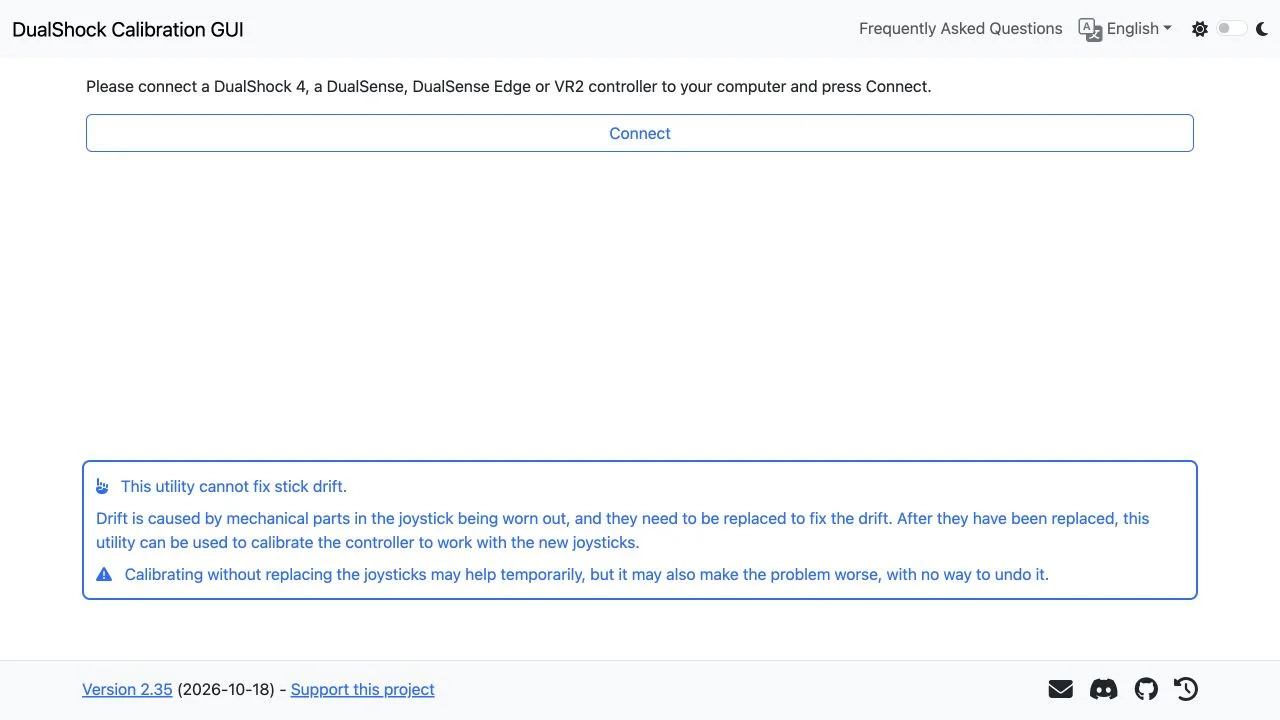
A browser interface to controller hardware
The DualShock Tools repository describes a WebHID-based application for DualShock 4, DualSense and DualSense Edge. The live connection prompt additionally names VR2. This is a hardware-facing workflow: the page can load before a controller is present, while meaningful input readings and calibration depend on a supported connected device. The screenshot here deliberately shows the unconnected state rather than invented telemetry.
DualShock Tools browser and device compatibility
Desktop Chrome or Edge are the clearest starting points in the live instructions; a PC or Mac is required and mobile use is unsupported. The site also mentions Firefox with a WebHID extension, which adds a separate dependency we did not install or test. Browser API support, the controller model and the connection procedure all matter. A page rendering successfully establishes only the first, public-facing part of the experience.
Read the feature set by operation
DualShock Tools defines quick and four-step center calibration, normal and expert range modes, and fine-tuning. It also includes Quick Test and joystick visualization controls, including an enlarged view and a circularity option. These are documented interface capabilities, not results measured in our review. Their presence should not be converted into claims of compatibility with every revision or a guaranteed improvement in aim.
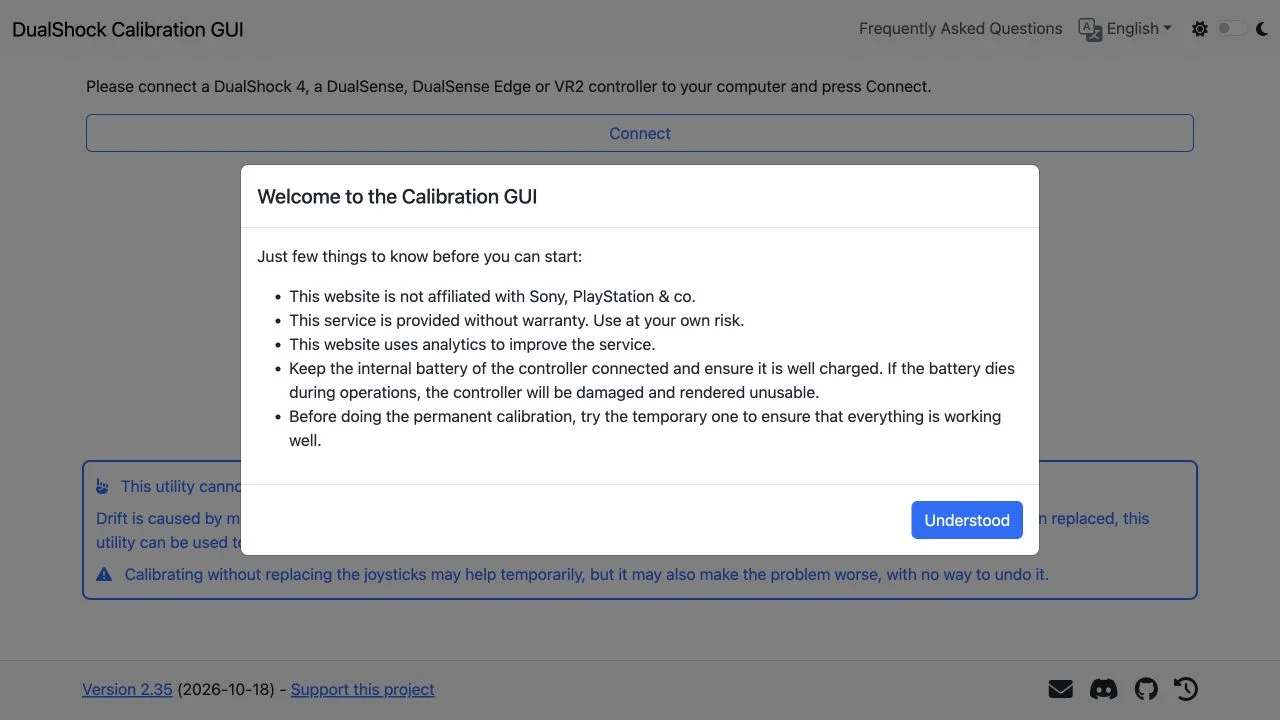
Temporary and permanent settings in DualShock Tools
Temporary calibration and permanent saving are separate stages in the welcome instructions. The page also includes restore and reboot actions, plus a notice that unsaved changes disappear after reboot. Evaluate persistence only against the current procedure for your controller. The project explicitly warns that some problematic calibration outcomes cannot be undone, so a restore button should not be described as a universal rollback mechanism.
Calibration has a mechanical boundary
Worn joystick parts are a hardware issue according to the project’s own drift explanation. Its intended repair-related use is calibration after replacing those parts. It warns against expecting calibration alone to solve wear, including the possibility of worse behavior. This distinction affects the product category: a controller calibration utility is not a proven mechanical repair service or a guaranteed stick-drift fix.
Source access supports a deeper review
The DualShock Tools repository provides source code, an MIT license, development instructions and a Docker guide. The README also lists input visualization, battery status, multiple languages and PWA capabilities. Source availability helps technically minded users investigate behavior and deployment, but it does not itself validate a hardware write. We inspected the published interface and README without running a local build or connecting a controller.
Before your first controller session
- Verify the deployment against the repository link below.
- Confirm desktop WebHID support and the exact controller model.
- Read the battery and temporary-calibration instructions before a hardware session.
- Separate input inspection, center calibration, range calibration and fine-tuning when evaluating the workflow.
- Check a temporary result before deciding whether permanent persistence is appropriate for that device.
Who it suits
People comparing browser hardware utilities, repair enthusiasts and developers evaluating an open-source WebHID project.
What our check establishes
Review scope: public interface, English language selection, original screenshots, served HTML and README. No physical device session, calibration measurement, extension installation, local build or persistence test was performed.
DualShock Tools GitHub IO FAQ
What is DualShock Tools GitHub IO?
It is the GitHub Pages address of DualShock Calibration GUI, a browser-based project for input inspection and calibration of compatible PlayStation controllers.
Which controllers does DualShock Tools support?
The README lists DualShock 4, DualSense and DualSense Edge. The live connection prompt also lists VR2. We did not test a physical model, clones or individual revisions.
Which browser should I use?
The live instructions recommend a desktop browser with WebHID support, such as Chrome or Edge on PC or Mac. They also mention Firefox with an extension; that path was not tested.
Does it work on a phone or tablet?
The live application explicitly says phones and tablets are unsupported. Use the desktop setup described by the project.
Can DualShock Tools fix stick drift?
The project attributes wear-related drift to mechanical joystick parts and explains that replacement may be needed before calibration. Calibration alone can be temporary or make the behavior worse.
What should I know before a permanent save?
The welcome notice says to keep the internal battery connected and well charged, and to check temporary calibration first. Power loss during operations can damage the controller.
Is DualShock Tools free and open source?
The public site required no account or payment to inspect. Its linked source repository uses an MIT license. Hardware operation was not tested in this review.
Is this an official Sony tool?
No. The welcome notice states that the project is independent of Sony and PlayStation.
What does the review actually verify?
We loaded the English public interface, captured its connection screen and welcome notice, and inspected the README and delivered page. No controller was connected or calibrated.
Is temporary calibration the same as permanent saving?
No. The project distinguishes temporary changes from a permanent save, and its interface warns that unsaved changes are lost after reboot. The exact device procedure should be checked in the current project instructions.
Sources and review scope
DualShock Calibration GUI — original application ↗ · Project repository and README ↗
Review scope: public interface, English language selection, original screenshots, served HTML and README. No physical device session, calibration measurement, extension installation, local build or persistence test was performed. Screenshots are original browser captures and the icon is the unchanged favicon served by the application. This independent guide is not affiliated with the project or Sony.