What is Day Pocket?
Day Pocket is a compact photo-memory app organized around dates. It suits a deliberately small habit: choosing a picture that captures a day and giving that moment a place on a calendar. Evaluate it as a personal scrapbook experience before treating it as a long-term photo archive.
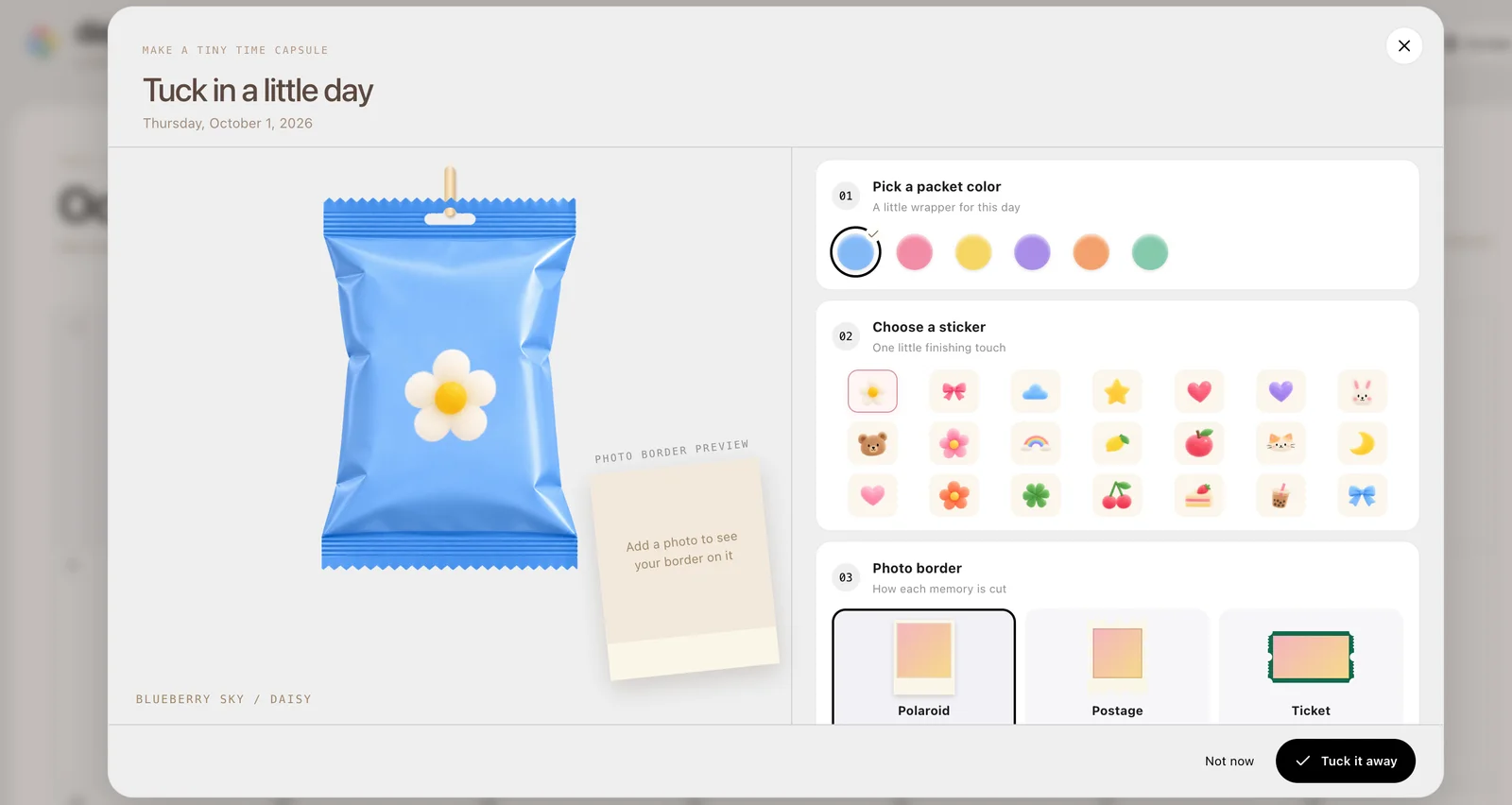
What you can do
- Dated memory calendar
- Photo keepsake packets
- Visual scrapbook format
How to get started
- Keep the original photograph in your normal photo storage.
- Try a non-sensitive sample in a dated calendar entry.
- Check whether the entry persists before adding important memories.
Build a memory you can recognize later
Choose one photo with enough context to make sense after the moment has passed. A dated entry is most useful when you can tell what it records without remembering every detail. Avoid turning a simple keepsake into a large upload task until you understand the storage and editing behavior.
Check persistence separately from appearance
A successful preview does not show whether data will survive a browser reset or appear on another device. The earlier interface referred to on-device behavior; verify the current implementation with a disposable sample. Keep original images outside the app and check any available backup or export route.
Who it suits
People who want a simple dated keepsake format rather than a full photo-management system.
Before you start
Do not use a small scrapbook app as your only photo backup. Saving, recovery, and cross-device behavior were not freshly tested for this guide.
Common questions
Can Day Pocket replace my photo backup?
That has not been established. Keep original images in an independent backup and test persistence and export behavior separately.
What should I verify before using Day Pocket?
Do not use a small scrapbook app as your only photo backup. Saving, recovery, and cross-device behavior were not freshly tested for this guide.
Sources and review scope
This main-site guide was written on October 18, 2026 using public product information and earlier AINavly source notes. Current calendar and on-device wording checked; saving and recovery not retested.